Six weeks
at a glance.
One family calendar that holds chores, routines, homework, and the real-life events. Google sync. Photo-to-event OCR.
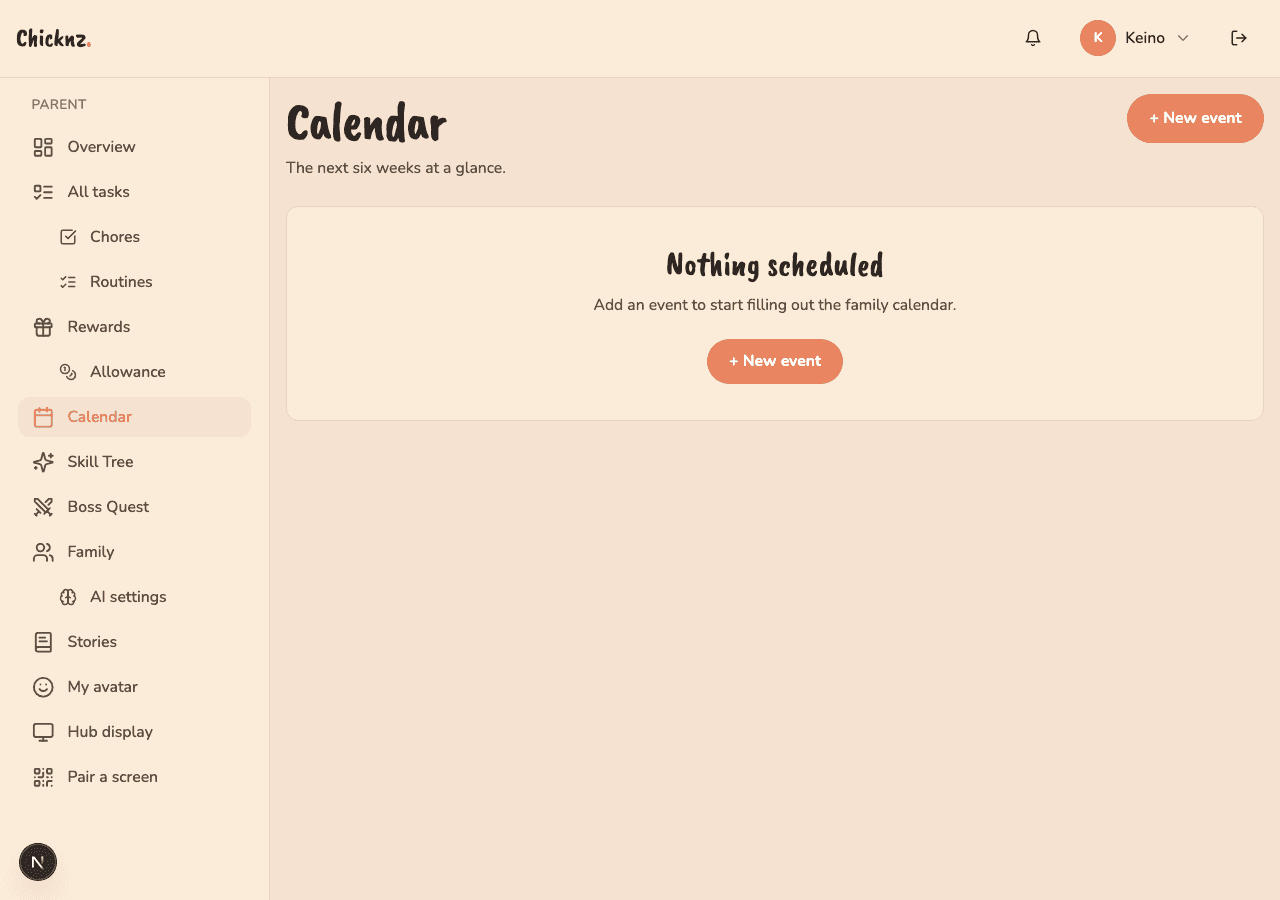
Family calendars are everywhere and nowhere.
There's the parent's work calendar. There's the partner's. There's the kid's school portal. There's the printed schedule on the fridge for soccer. Each one is half the picture. When does the family actually look at all four together? Sunday night, in a panic.
Chicknz Calendar holds the family layer. It pulls Google Calendar for the work + personal layer through a one-click sync. It generates events automatically from chores and routines. It even reads a photo of a school flyer and pulls the dates out. Six weeks ahead, one screen.
Family, chores, school in one place
The default view stacks family events on top of generated chore/routine events. Each layer is color-coded and toggleable. Pull six weeks ahead by default; expand to quarter view when planning summer.
- Six-week default, quarter-view on demand
- Toggle layers (family / chores / school)
- Per-kid filter for soccer-mom mode
Bring the work calendar with you
Two-way sync with Google Calendar. Events you create in Chicknz show up in Google; family-tagged Google events appear in Chicknz. Use whichever surface fits your moment.
- OAuth in once, syncs forever
- Granular: pick which Google calendars sync
- Conflict resolution on dupes
Snap the flyer, get the dates
School sends a printed flyer or a PDF with eight dates on it. Take a photo. Chicknz OCRs it, parses the dates, and stages them as draft events for your one-tap approval.
- PDF or photo input
- Draft events stage before they go live
- Bulk-approve or edit individually
But what about…
I already use Google Calendar. Why would I need this?
Because Google doesn't know what a chore is. Chicknz layers family-app events on top of your existing calendar. Use Google for work; use Chicknz Calendar for the family layer.
Does this support iCloud Calendar?
Not yet. iCal import via .ics file works as a one-way bring-over. Two-way iCloud is on the list.
What if OCR gets the dates wrong?
Drafts stage before going live. Edit, then approve. Wrong rows get deleted in one tap.
Can the kids see the calendar?
Yes, age-appropriately. Little tier sees today only as visual tiles. Teen tier sees the full month view with school events.
Try it with your family.
Free during beta. Import a family or start from scratch. Takes five minutes. Your fridge will thank you.